
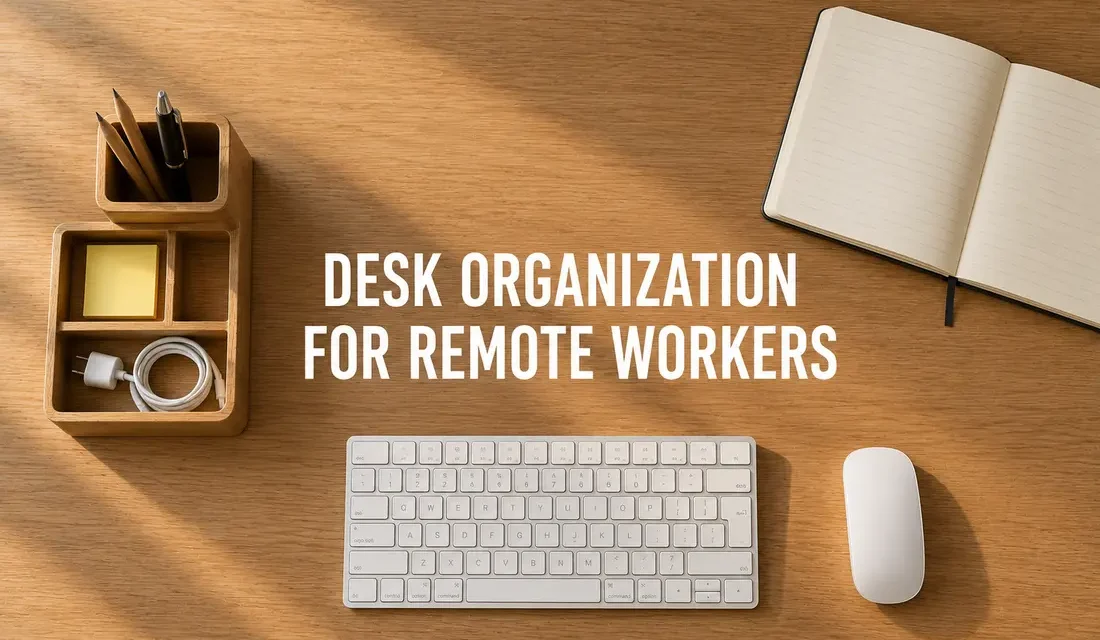
Home office desk organization for remote workers comes down to two things: getting cables off the floor and out of the way, and giving every small item on the desk an actual assigned spot. Once those two problems are solved, the day-to-day clutter stops piling up on its own.
My own setup is a mix a lot of remote workers end up with, a laptop plus a full desktop PC with a separate monitor. For the longest time the wires from all of that were the real enemy of my workday. The laptop charger, the cable running from the PC tower to the screen, and a wired mouse and keyboard on top of it all somehow found a way to tangle with each other no matter how I arranged them. Every few days one of them would slide down and end up wrapped around my feet under the desk, usually right in the middle of a call.
Why Do Home Office Desks Get So Cluttered With Cables?
A home office desk gets cluttered with cables because most people are running more devices off one small surface than a desk was ever designed for, a laptop, a monitor, a printer, chargers, and peripherals all competing for the same few inches. Without a system to route or reduce those cables, they end up looping across the desk and trailing onto the floor.
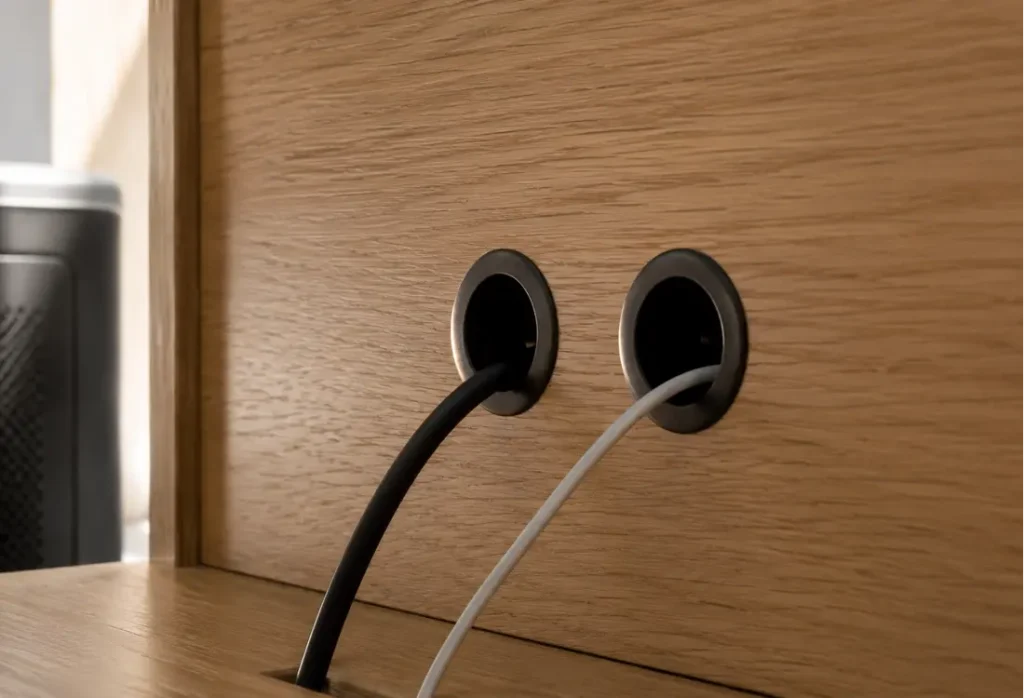
That is exactly what happened to me. I ended up fixing it two ways. First, I had my office desk custom made with a couple of cable pass-through holes drilled into the back panel, and I ran only the essential wires through them, the PC tower cable and the monitor cable. Second, I switched the mouse and keyboard to wireless, which cut out two more cables completely. That solved the actual danger-zone tangle under my feet.
What it did not solve was everything else, chargers, notebooks, random pens, the stuff that still piles up on top of the desk because organizing it is not a one-time fix. It is something I either keep on top of daily or end up setting aside a whole afternoon to reset.
1. Drill Cable Pass-Through Holes in the Desk Itself
Cable pass-through holes let you route your essential wires straight down through the desk instead of across the floor, which is what actually keeps them out from underfoot. If you are getting a desk built or already have one with a solid back panel, ask for two small grommet holes, one for your tower cable and one for your monitor cable if you use a separate screen. Mine cost nothing extra since the carpenter did it during assembly, but a retrofit grommet kit runs about 12 dollars on Amazon (roughly 9 pounds in the UK) if you want to add holes to a desk you already own.
2. Switch to a Wireless Keyboard and Mouse
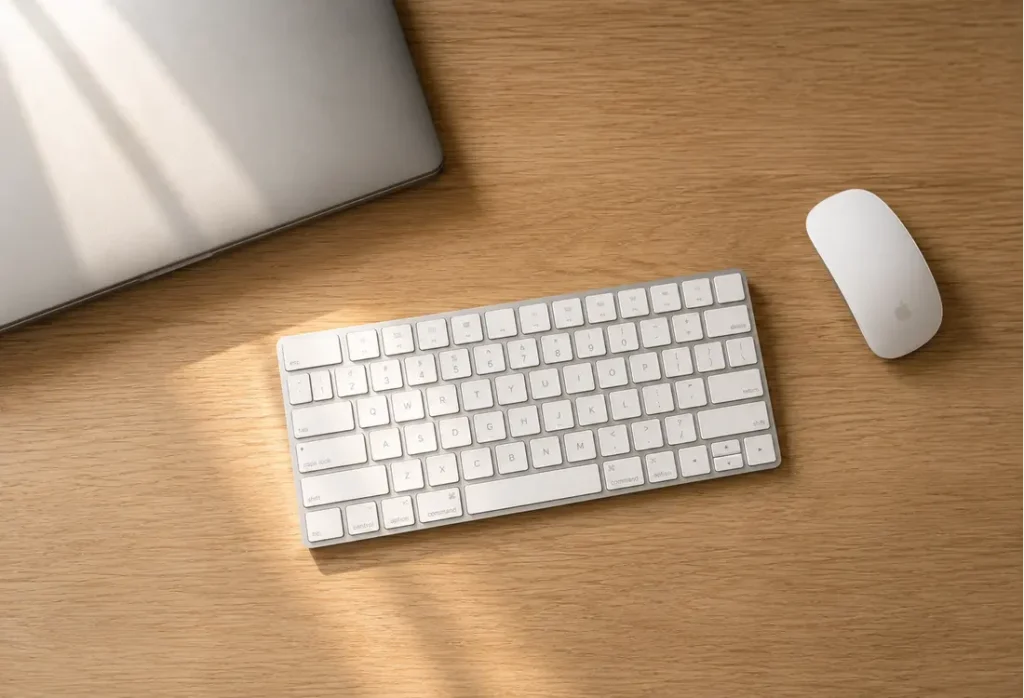
Switching to a wireless keyboard and mouse removes two more cables from the desk surface entirely, which is the single change that cuts the most physical clutter for the least effort. A basic wireless keyboard and mouse combo runs about 25 dollars at Best Buy (around 20 pounds at Currys in the UK). Fewer cables on the desk also means fewer cables to accidentally catch when you are reaching for something else, which was happening to me constantly with the wired setup.
3. Corral Whatever Cables Are Left With Clip Strips
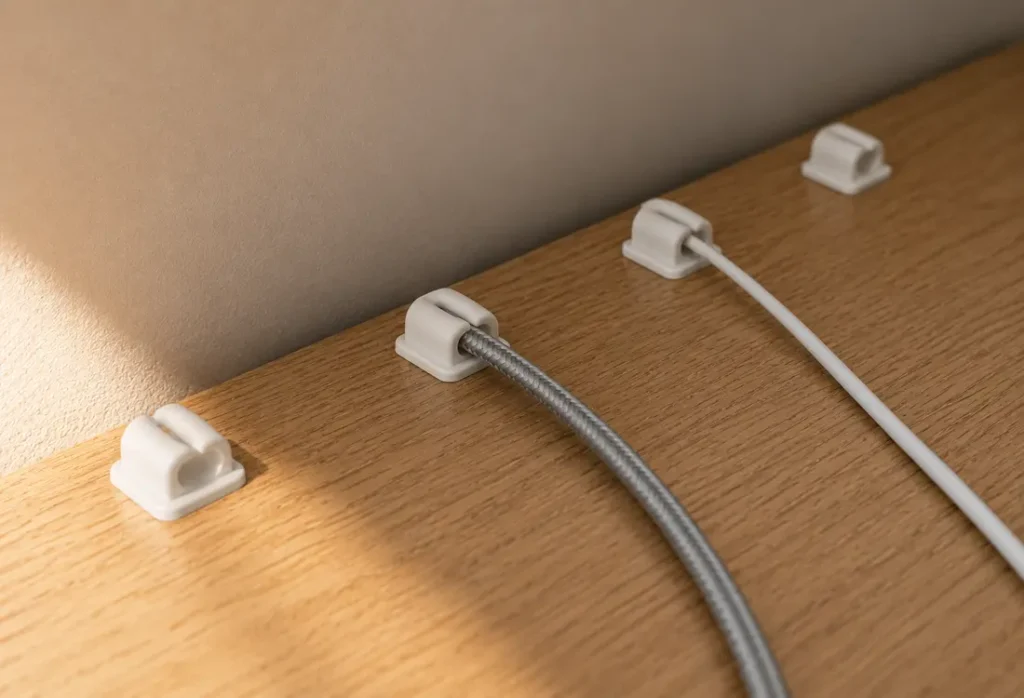
Even with grommet holes and wireless peripherals, you will still have a charging cable or two running across the desk at some point. A strip of adhesive cable clips, about 7 dollars for a pack of six at Target (roughly 5 pounds at Wilko), keeps those pinned along the back edge of the desk instead of drifting into the middle where you knock them with your elbow.
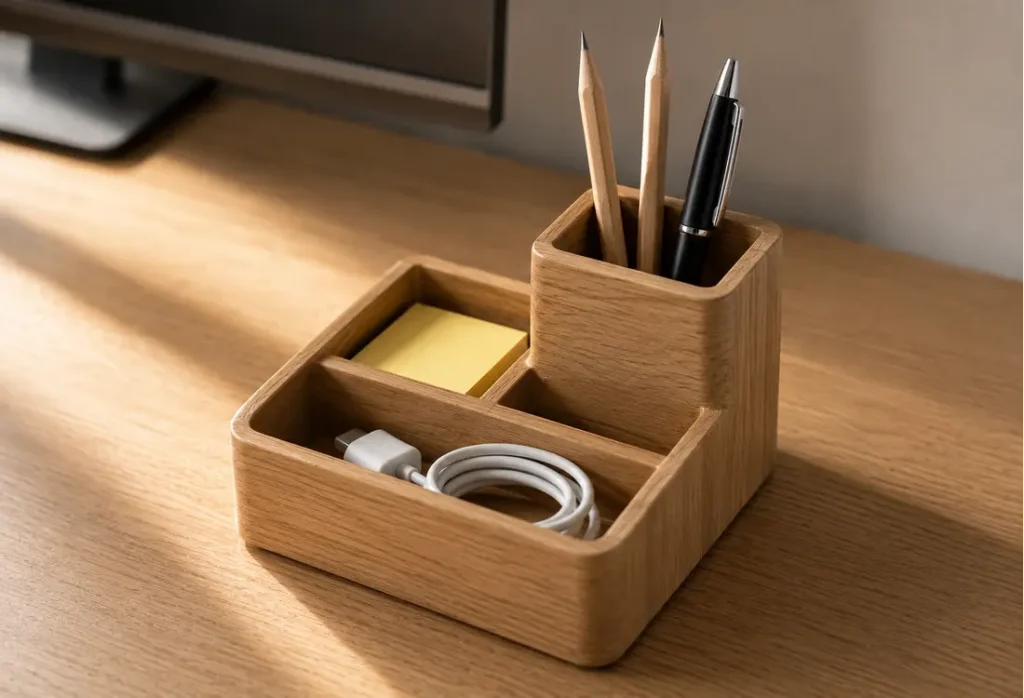
4. Give Small Items a Dedicated Desktop Tray
A desktop organizer tray gives pens, sticky notes, and loose chargers an assigned spot so they stop drifting across the desk on their own. This is the piece that solved my actual biggest ongoing issue. A simple wooden or bamboo tray with a few compartments costs about 18 dollars on Amazon (roughly 14 pounds in the UK). Having a designated tray means the daily habit becomes just dropping things into it instead of leaving them wherever they land.
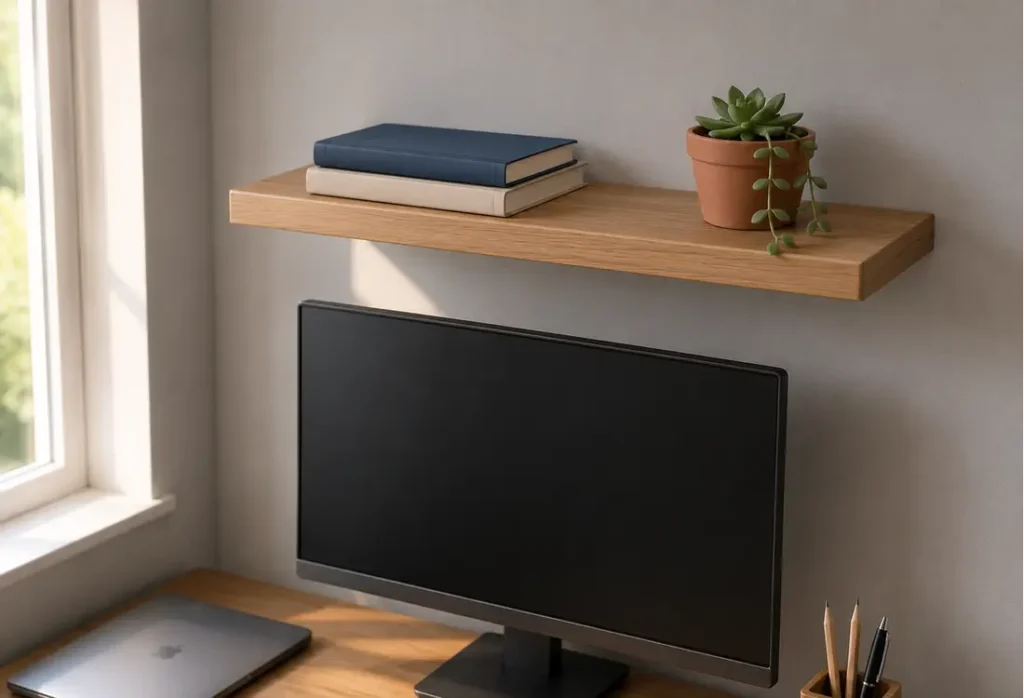
5. Add a Wall Shelf Above the Desk for Overflow
A floating shelf above the monitor takes notebooks and reference materials off the desk surface entirely, freeing up the actual workspace underneath. Mine cost about 20 dollars at IKEA (roughly 15 pounds in the UK). It also gave me a spot for a small plant, which sounds minor but genuinely makes the space feel less like a pile of equipment.
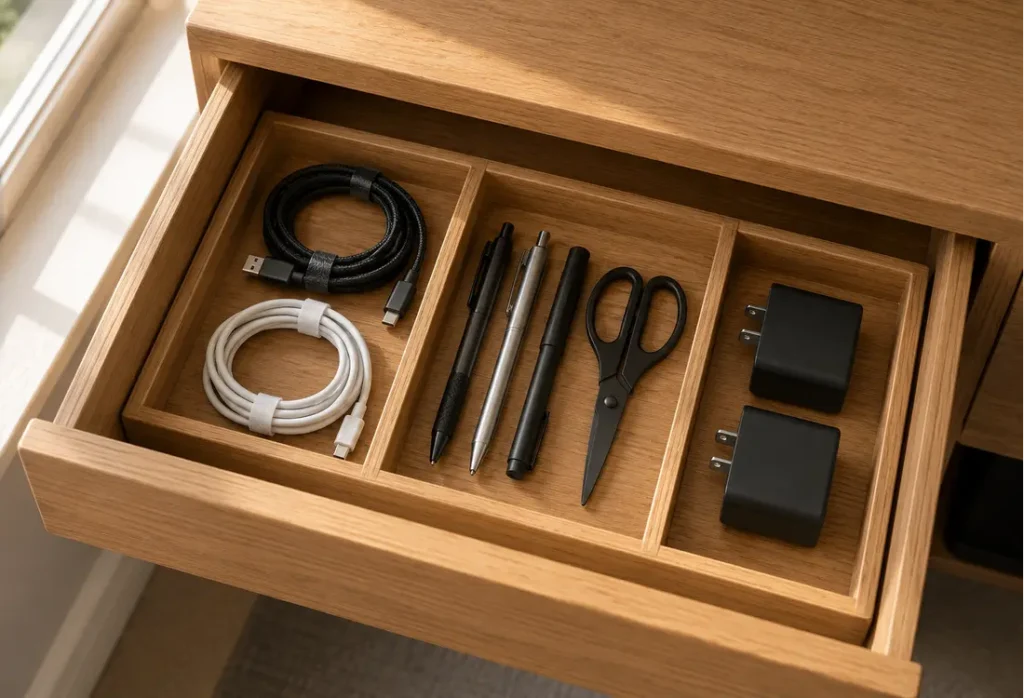
6. Stop the Drawer From Becoming a Junk Drawer
A compartment insert keeps a desk drawer from turning into a catch-all for random items you cannot see or find later. If your desk has a drawer, a plastic or bamboo insert, about 10 dollars at Walmart (roughly 8 pounds at B&M), stops it from becoming a junk drawer. Mine is split into sections for spare cables, stationery, and the random adapters I only need once a month but do not want to throw away.
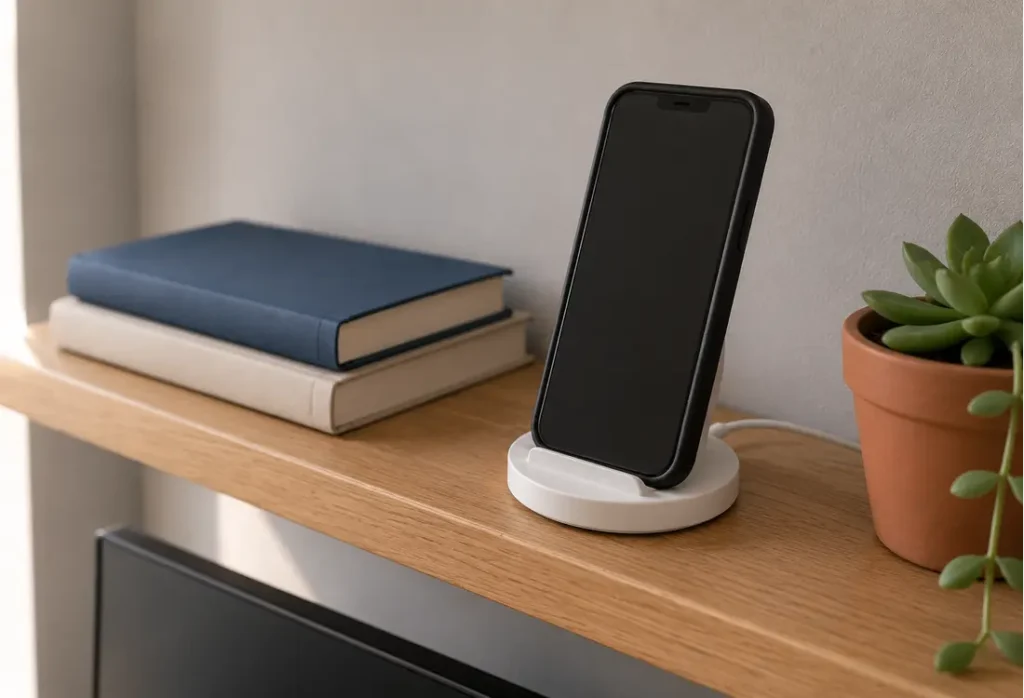
7. Move Phone Charging Off the Desk Surface
Charging a phone directly on the desk takes up prime workspace and lets its cable wander into everything else. I moved my charging spot to the shelf above the desk instead, using a small charging dock that cost about 15 dollars on Amazon (roughly 12 pounds in the UK), which freed up several inches of actual desk space I did not realize I was losing.
8. Build a Five-Minute End-of-Day Reset Habit
A short end-of-day reset habit keeps small clutter from building up into a bigger reorganizing job later. This is the part I still have to be intentional about. What works for me is putting loose items back in the tray and drawer before I shut the laptop, rather than letting three or four days build up into a full reorganizing afternoon. It is not a perfect system, some days it slips, but it cuts down how often I need that bigger reset session.
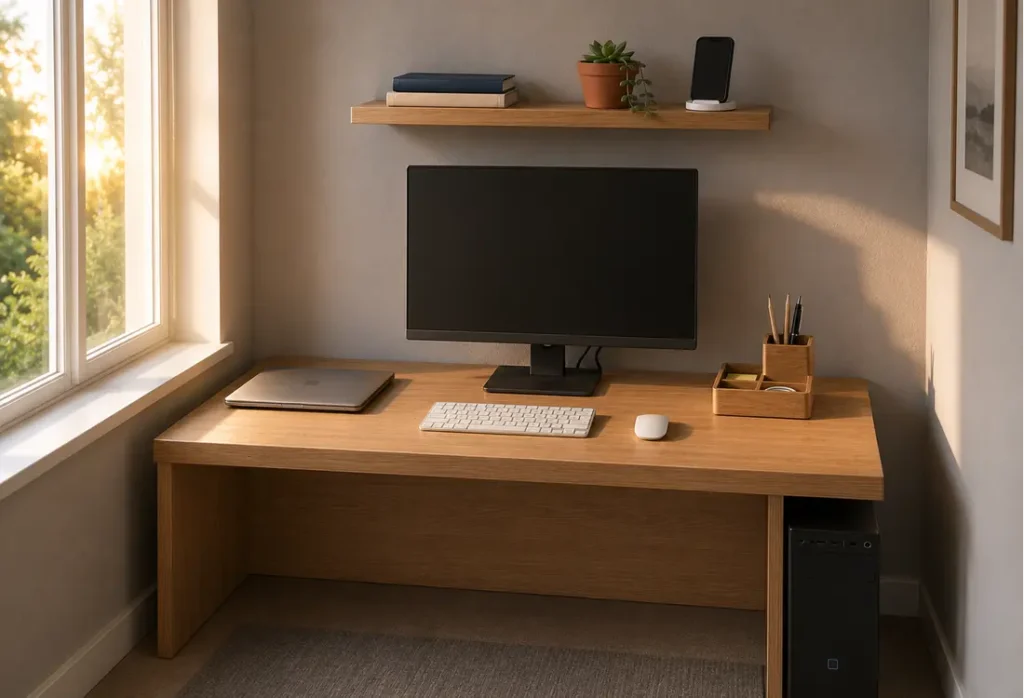
None of this needed a full desk replacement or expensive gear. The two things that mattered most for me were getting the essential cables off the floor and giving the small daily clutter an actual place to go. If you are working from a shared space or a small apartment corner, the same logic applies even if the setup is smaller, fewer wires trailing around and one spot for the loose stuff makes the whole area feel usable again.
It is worth remembering this is not just about looking tidy either. Since your home doubles as your workspace when you work remotely, a cluttered environment has been linked to measurably higher stress hormone levels throughout the day, which makes an organized desk less of a cosmetic choice and more of a practical one.
Frequently Asked Questions
How do I organize a home office desk with both a laptop and a desktop PC? Route only the essential cables, the PC tower and monitor lines, through a pass-through hole or grommet in the desk, and switch the keyboard and mouse to wireless. That combination removes most of the physical clutter that comes from running two devices off one desk.
What is the cheapest way to manage cables at a home office desk? Adhesive cable clips are the lowest-cost fix, usually 5 to 7 dollars for a pack, and they stop loose cables from drifting into your workspace. Pair them with a bit of cable routing along the back edge of the desk for the best result without spending on new furniture.
How often should I reorganize my home office desk? A short daily reset, putting loose items back into a tray or drawer before you finish work, is usually enough to avoid needing a full reorganizing session. If clutter has already built up over several days, a single focused reset session will get you back to a clean baseline.
Do I need to buy new furniture to organize a small home office? No, most of the improvement comes from small additions like a desktop tray, a floating shelf, and cable clips rather than replacing the desk itself. A full desk replacement is only worth it if the current one has no drawer or no way to route cables at all.
What is the best desk layout for reducing clutter? Keep only the keyboard, mouse, and monitor on the main desk surface, and move everything else, chargers, notebooks, phone charging, to a shelf or drawer nearby. The less that sits directly in your main workspace, the less there is to clutter it.